
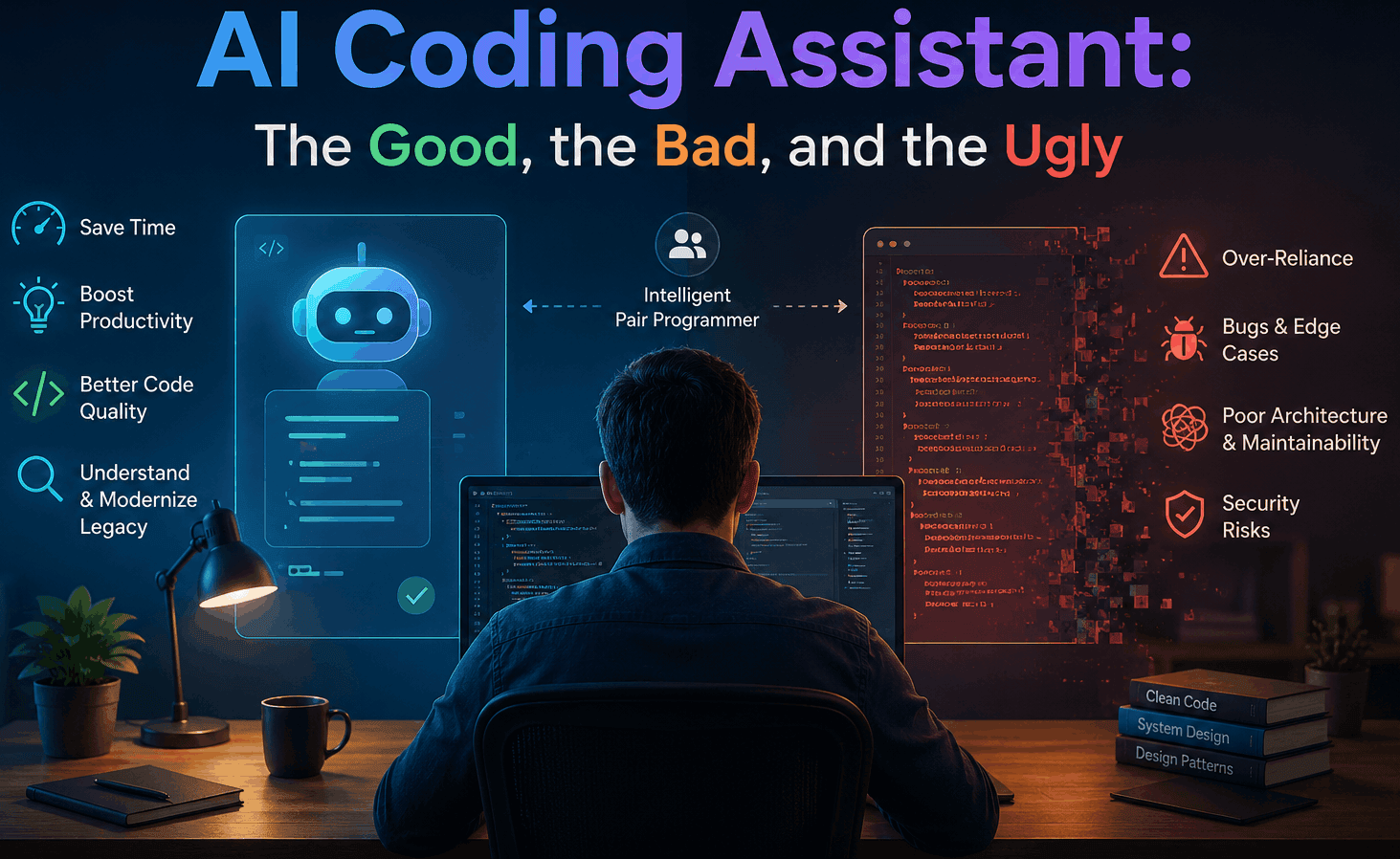
Almost over a year ago, I started using AI coding assistants the way most people do; curious, a little skeptical, and mostly testing whether the hype matched reality.
Twelve months and thousands of prompts later, after using these tools across greenfield development, legacy modernization, transformation projects, debugging, architecture exploration, and rapid prototyping, I think the reality is much more nuanced than both the hype and the fear.
This is my experience after one year of living with them every day.
The Good
1. AI is exceptionally good at removing mechanical friction
One of the biggest advantages is simple: typing is no longer the bottleneck. And that changes a lot.
Things developers often avoided because they were tedious are suddenly easy to do thoroughly:
- Validating every input properly
- Handling all edge cases
- Returning appropriate HTTP status codes consistently
- Writing defensive checks
- Generating repetitive mappings and DTOs
- Adding structured logging
- Creating boilerplate tests
- Creating configuration scaffolding
- Refactoring repetitive patterns etc.
Earlier, many of these things were skipped, partly because they were mentally exhausting, time-consuming and deadlines on your head. Now, implementing them properly is cheap. The result is not just faster development. It is often more complete development.
2. AI coding assistants are incredible pair programmers
This is probably the most important realization I had over the year.
The best results for me came from collaborative iteration, working with AI much like an intelligent pair programmer:
- Discussing approaches and exploring trade-offs
- Generating small, focused implementations
- Reviewing outputs critically
- Refining the design gradually
- Building the solution step-by-step
Very similar to how experienced developers naturally work together; significantly accelerated.
This approach gave me several compounding advantages:
▪️ Full control over architecture, logic, and implementation quality
The system design still stays in your hands. You decide the boundaries, abstractions, data flow, error handling strategy, performance trade-offs, and operational concerns. AI assists. It should not blindly decide.
▪️ Better visibility into what is actually being generated
Smaller iterative prompts produce smaller, understandable outputs. That matters enormously. When AI generates 2,000 lines at once, nobody truly reviews it properly. But when it generates focused units, it becomes much easier to reason about correctness.
▪️ Easier validation and review of generated code
This workflow naturally encourages review. You inspect assumptions, edge cases, null handling, exception paths, performance implications, concurrency concerns, and security implications, instead of trusting giant auto-generated outputs.
▪️ More maintainable and predictable outcomes
Large AI-generated systems often feel random. Iterative collaboration produces systems that feel intentionally engineered. That difference becomes extremely visible after a few months of maintenance.
▪️ Better contextual efficiency for the AI itself
This part is underrated. Smaller, focused prompts produce dramatically better results because the model has clearer intent, less ambiguity, tighter context, and fewer conflicting instructions. The output quality improves substantially.
3. Legacy modernization and transformation projects are where AI truly shines
This was indeed the most practically impactful area for me while working on transforming legacy codebases
In large enterprise systems, simply understanding the codebase can consume enormous time. AI dramatically reduces this cognitive overhead.
AI tools are incredibly effective at:
- Understanding unfamiliar codebases and explaining legacy flows
- Tracing dependencies and identifying coupling
- Mapping architecture and analyzing impact areas
- Suggesting safe refactors
- Translating old patterns into modern approaches
I found it especially useful for migration projects, framework upgrades, monolith decomposition, API modernization, database transition work, dependency cleanup, and dead code identification.
It gives developers the confidence to make changes in systems that previously felt risky to touch. And that confidence directly improves delivery speed.
The Bad
1. Vibed code can become a disaster very quickly
While Vibe Coding is genuinely useful for: for validating an idea quickly, demonstrating a concept to stakeholders, testing UX flows, building internal demos, or exploring integrations.
AI is excellent at producing code that looks convincing. But "looks correct" is not the same as scalable, secure, maintainable, observable, fault tolerant, or operationally safe.
A lot of vibe-coded systems collapse under real-world complexity. Common problems include poor abstractions, hidden coupling, duplicated logic, inconsistent patterns, weak validation, improper error handling, missing observability, concurrency issues, security vulnerabilities, and poor performance characteristics.
2. AI amplifies developer capability; both good and bad
AI does not automatically create good engineering. It amplifies the person using it.
A strong developer becomes dramatically faster. A weak developer becomes dramatically more dangerous because now even mediocre understanding can generate large volumes of seemingly sophisticated code. The output may compile. It may even pass initial testing. But hidden design flaws accumulate rapidly.
This is why fundamentals matter more than ever. Not less.
The Ugly
1. A Superpower in the Wrong Hands
Here's the most uncomfortable truth: AI does not fix weak fundamentals, it exposes them. And in the wrong hands, it doesn't just fail silently, it manufactures failure at scale, with confidence.
A developer who can't reason about data structures, complexity, or system design won't recognize when generated code is subtly inefficient, insecure, or architecturally broken. They'll accept whatever was generated, correct or not, because they have no baseline to evaluate it against.
That is the real danger. Not that AI will replace good developers, but that it will let underskilled developers produce code that looks competent, passes a casual glance, and then fails in production, under load, or worst of all, could easily become a nightmare to fix.
2. The illusion of expertise
People can now produce systems far beyond their actual understanding. And initially, this creates the illusion of competence.
But software engineering is not about generating syntax. Real engineering involves trade-offs, constraints, reliability, maintainability, scalability, debugging, operational behaviour, failure management, and long-term evolution.
Eventually, reality catches up during incidents, scaling problems, debugging sessions, architectural evolution, or production outages. And that is where actual engineering skill becomes unmistakably visible.
3. Mediocre developers will struggle unless they upgrade
The industry has changed. Developers whose value came mainly from writing boilerplate, repetitive CRUD implementation, framework memorization, or routine coding tasks will increasingly struggle because AI is becoming very good at exactly those things.
The differentiator now is system thinking, architecture, problem decomposition, domain understanding, debugging ability, performance engineering, security awareness, operational maturity, and decision making.
Fundamentally strong engineers become far more valuable. Superficial skill sets become increasingly exposed. The gap between a strong developer using AI and a weak developer using AI it's widening. The strong developer uses AI to go further. The weak developer uses it to mask how far behind they already are.
What actually worked for me?
Use AI as:
- an accelerator and collaborator
- a brainstorming and trade-off discussion partner
- a reviewer and refactoring helper
- a documentation assistant
- a code exploration and comprehension tool
But not as an autonomous engineer.
The best workflow, at least for me, has been:
- Think deeply first
- Design consciously
- Break problems into focused, well-defined units
- Collaborate iteratively with AI on each unit
- Review everything critically
- Validate edge cases thoroughly
- Own the final engineering decisions completely
That combination is incredibly powerful.
Final Thoughts
AI coding assistants are not a gimmick anymore. They are already changing how software gets built. And honestly, I cannot imagine going back to developing without them. The productivity improvement is real. The acceleration is real. The assistance is real. And so are the risks. Used thoughtfully, they can help experienced engineers build better software faster than ever before.
The future probably does not belong to developers who resist AI. Nor to developers who blindly depend on it.
It belongs to developers who learn how to collaborate with it effectively while remaining deeply grounded in engineering fundamentals.